New since your last visit: See what is new →
New in 5.5.0 One overview for WoW Forever, class quests for every class, and the bank in Find →Free addon for World of Warcraft: Midnight and WoW Forever
The addon that explains why, not just what.
Your gear says "Champion 4/6" and the game never tells you what that means. Midnight Helper answers questions like that in plain language, in your own language, and then takes you there.
For players who just hit 90, and for anyone coming back after a few expansions away. Veterans will know much of it already.
Then log in and type /mh. Nothing in your game changes unless you press a button.
Never installed an addon? Step by step →
- Updated for 12.1 Season 2
- No other addons needed
- Eight languages
Illustration of the in-game plan. The real one uses your own character.
Which game do you play?
- 27,800downloads on CurseForge
- 5.5.0released 17 November 2026
- MITopen source, no ads, no tracking
- Checked in the gamebefore every release
Weekly reset in Patch 12.1.5 arrives with this reset.
What to do this week
For a level 90 character, in the order most players do it. Tick what you have done; the ticks clear at the weekly reset. The This Week tab in the addon shows the same, with your own progress.
The same tip Midnight Helper shows today on its This Week page. Tomorrow there is a new one.
Read the whole tip
In the game
Recorded in World of Warcraft with Midnight Helper, not mock-ups.
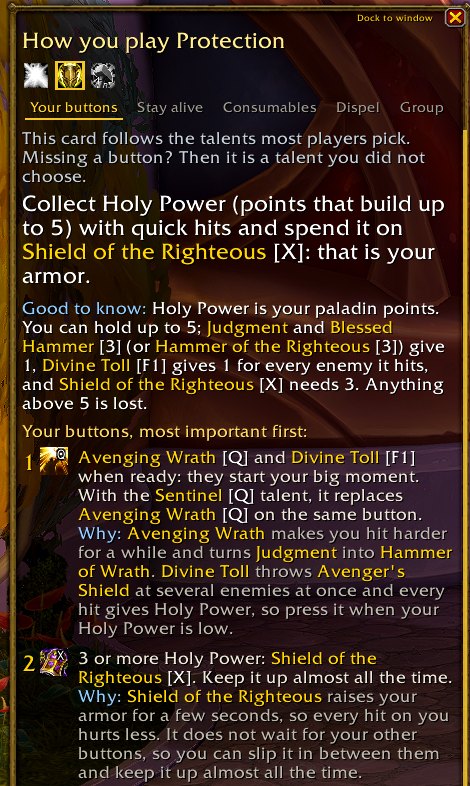
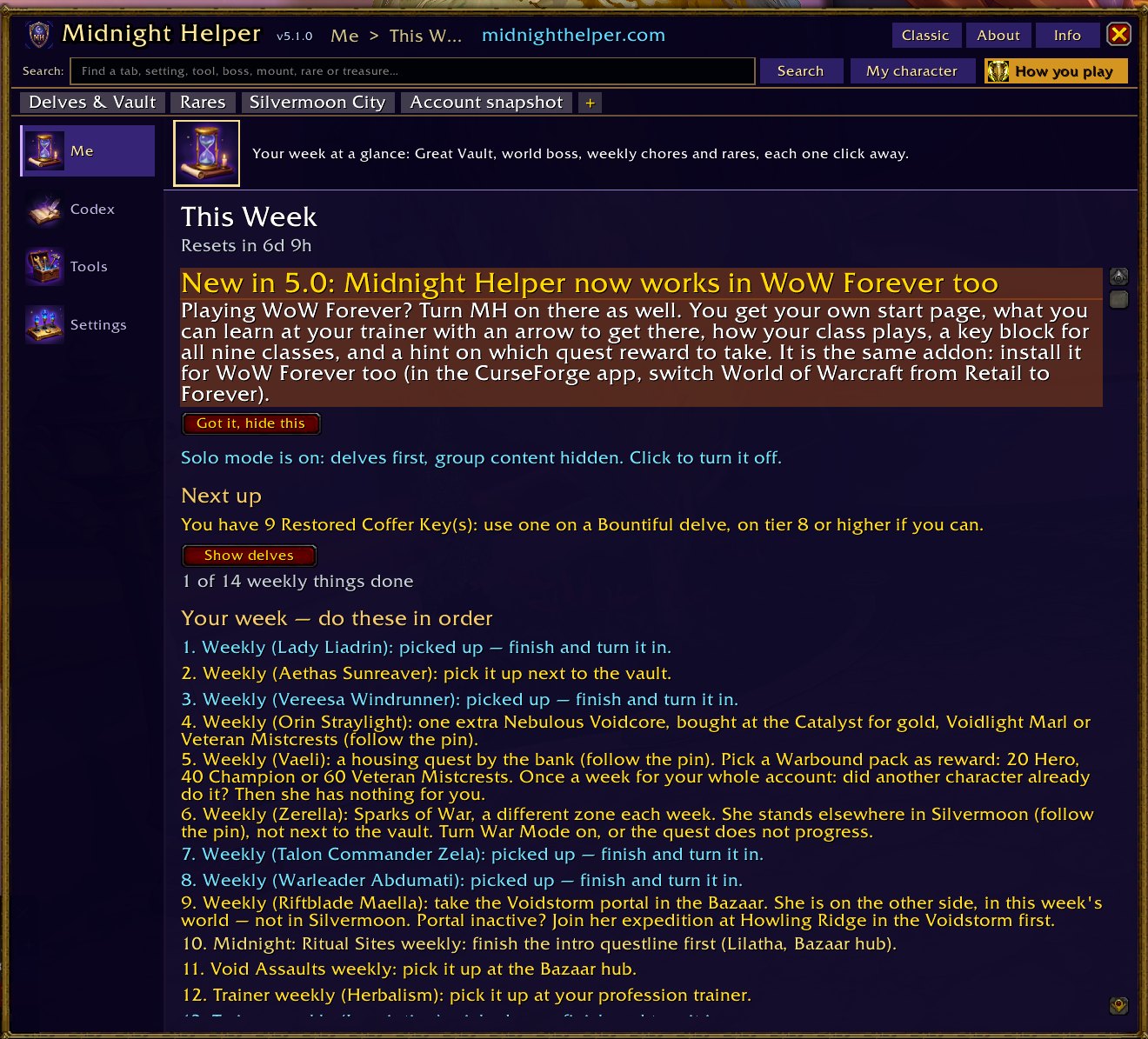
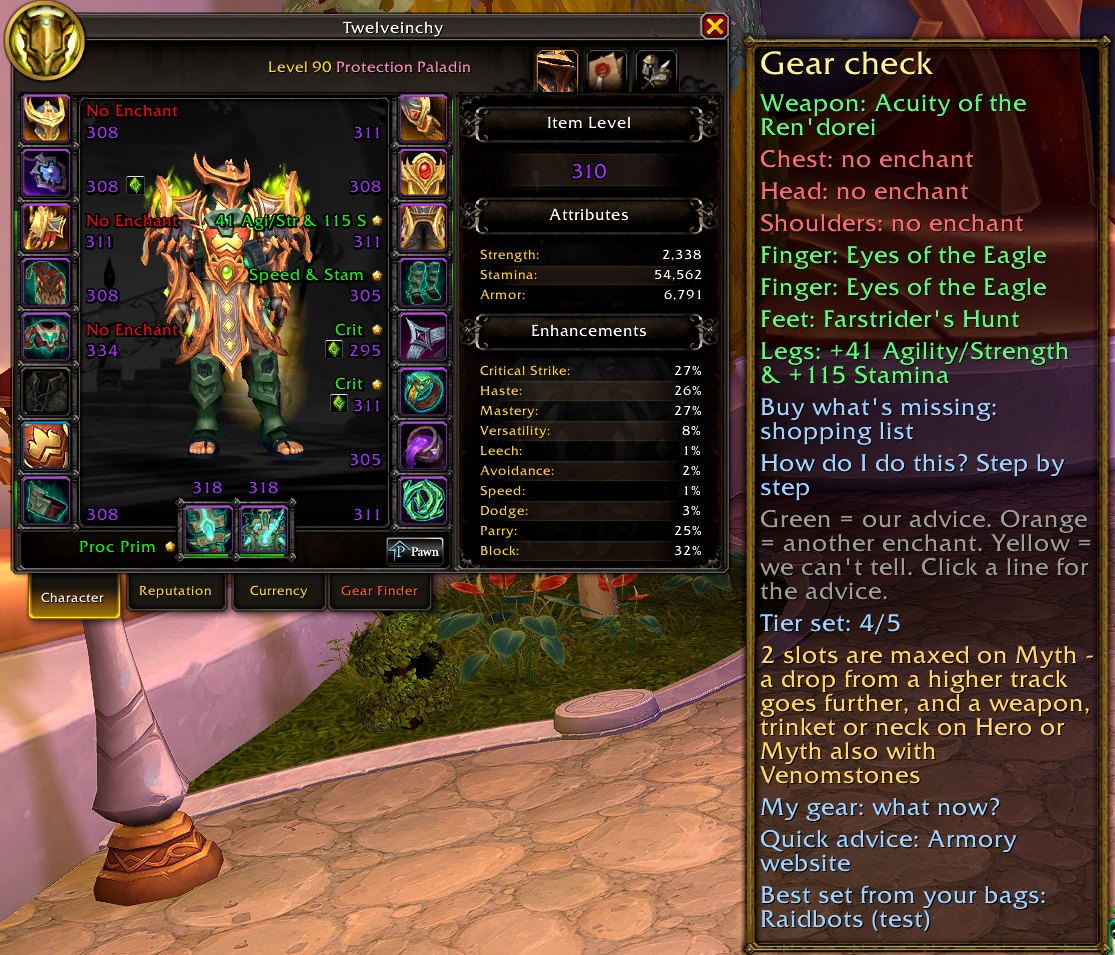
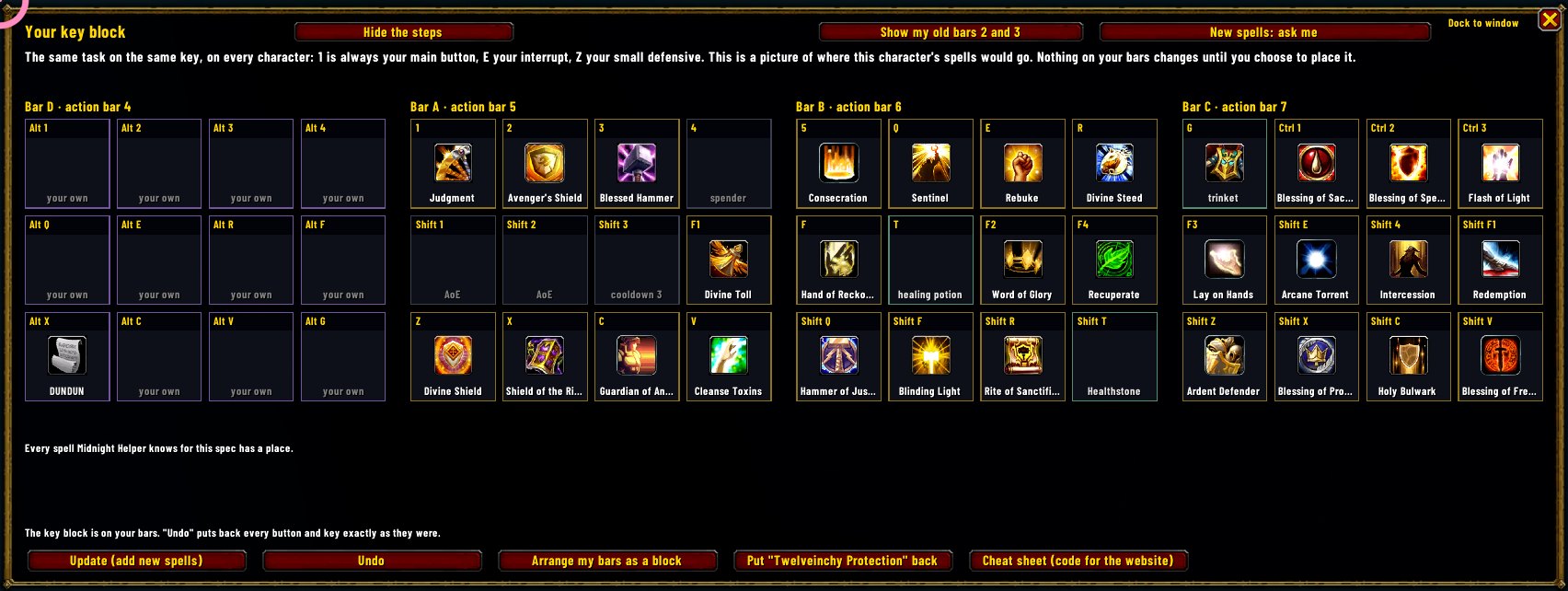
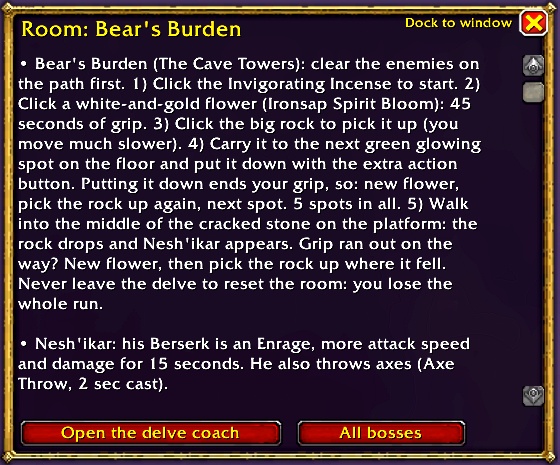
Everything else it does: boss tips, delves, Mythic+, professions and more →
On the website
Tools that work together with the addon. They run in your browser; nothing you paste is uploaded.
Made for real players, tested on beginners
"If a complete newcomer can't follow it, it isn't finished."
The rule every feature is checked against.
- Honest about what it knows
If the game doesn't tell an addon something, Midnight Helper says so instead of guessing. - Search everything
One search box finds guides, tips and tools inside the addon.
Join the community
Ask questions, report bugs, suggest features or help translate. English is the main language on the server; other languages are welcome too.
In the game: /mh report
Every version, newest first · Follow new versions and betas in your news reader (RSS)